
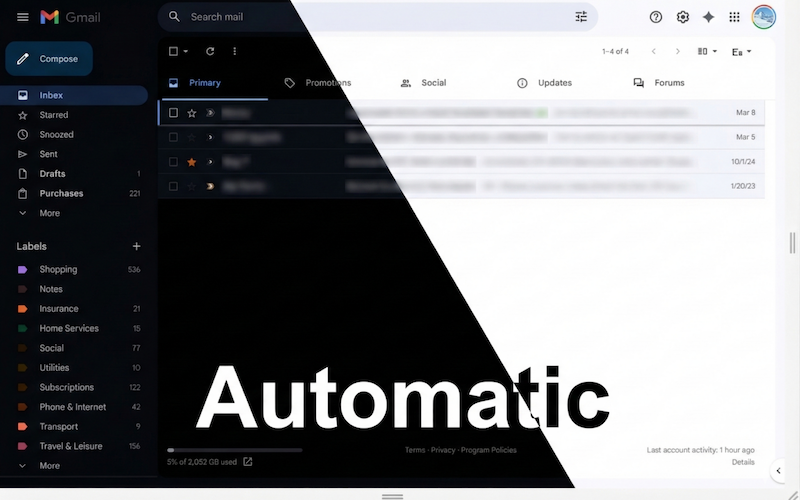
It cannot be said that Google dedicates much effort to the Gmail website, probably because it is a free service and they prefer to put their resources elsewhere: Drive, Calendar or Tasks. All these applications have something in common: they have a more than decent dark mode.
Gmail supports themes, but it is not the same. If you apply a dark theme, the colors will always be those, regardless of the mode of your computer, which makes reading difficult when there is a lot of light.
To solve this problem I created the Chrome extension “Gmail Auto Dark Mode” (I know, a very original name). The extension automatically changes Gmail colors and adapts them to the operating system mode, whether light or dark.
It is available in the Chrome Web Store and is compatible with all Chromium-based browsers (Chrome, Edge, Brave…). It currently has more than 6,500 downloads and the comments are quite positive, considering that it is a very simple extension.
The source code is available on GitHub.
Comments are provided by Disqus. When you load them, Disqus may use cookies and process data such as your IP address.
Disqus privacy policy