
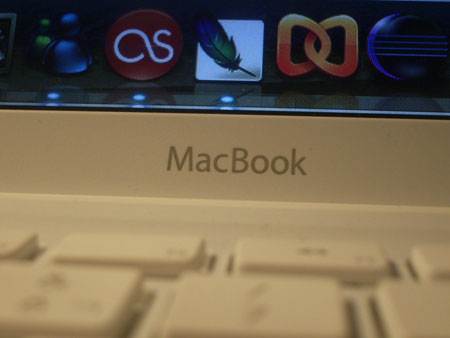
It’s been several days since I received the MacBook that I’ve been looking forward to since I ordered it on November 30th. Between the financing paperwork and the ‘custom’ construction, the laptop did not arrive until December 18, but the important thing is that I already have it and that apparently everything works correctly.
The appearance of the MacBook is impeccable, plain and simple. I had read that the keys were uncomfortable because they are a little strange to the touch and have a small separation between them, but I think that is precisely what makes it more comfortable than other laptops. A small detail that I miss is the ‘delete’ key…

“This is what the MacBook keyboard looks like”
On the right side it has all the connections (power, Ethernet port, mini DVI output, two USBs, a Firewire, and audio input and output), as well as a security slot that I’m not sure how it works. On the right side it only has the CD reader, and on the front there is a port. At first glance it seems that everything is perfect and that there is no problem, but there is: I am right-handed and the USB slots are all on the left side, which is a problem if I use a wired mouse (Which luckily I don’t have :)) or several USB peripherals that take up more space than necessary.
Another thing that has upset me about the computer is that it does not have a DVD recorder, only a CD recorder, since even though it is the ‘lite’ version of MacBook, I think that selling a computer with a CD recorder is little more than outdated (Very bad Apple, very bad…).
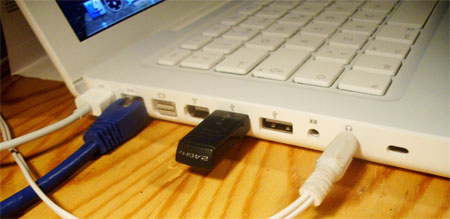
“The left side…”
I have never managed very well with trackpads, and the one on the MacBook has not been an exception, although it is true that it has a feature that I liked and found very comfortable, which is that to scroll you just have to slide two fingers at the same time… But it also has a feature that I did not like, and that is that it only has one button.
I forgot to mention that at the top of the screen it has a microphone and a webcam (iSight) integrated, and the latter surprised me with its excellent quality.

“iSight on-screen camera”
The stereo speakers are located at the ‘bottom’ of the computer, right where it joins the part of the screen, and on the right side is the on/off button, which unlike the rest of the buttons, does not protrude at all and its texture and touch is totally different.
I am not going to talk about the technical characteristics since they can be seen perfectly on the Apple page.
Finally, I want to mention that it makes absolutely no noise under normal conditions, and that it is only when we start using the graphics (watching videos, for example) that it makes some noise.
In short, except for the details that I mentioned, I am very happy with the laptop and I think it is a wise purchase (We will see how ‘THE GAME’ works when I have it). I have installed all the programs I need and it continues to load as fast as the first day, a joy. Also, it should be noted that it has not yet crashed or slowed down for me. Let’s hope things stay like this :).
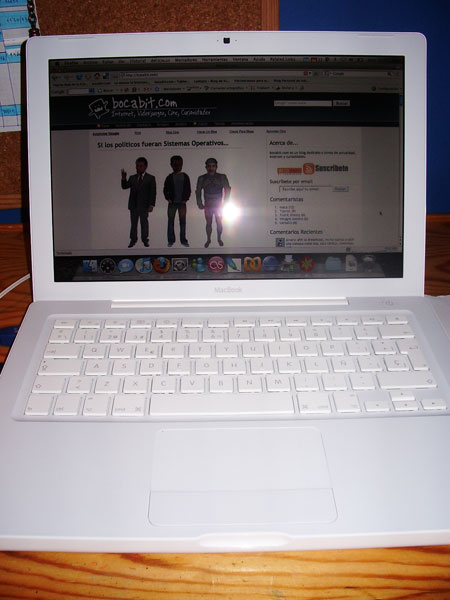
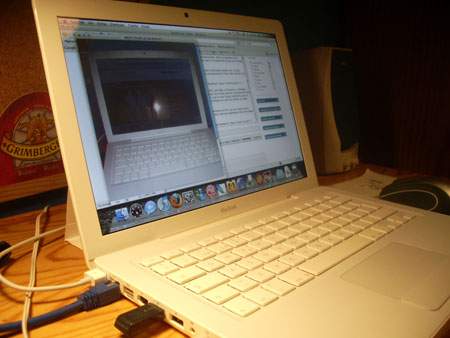
And finally, I leave you a couple of photos of the white device:
Comments are provided by Disqus. When you load them, Disqus may use cookies and process data such as your IP address.
Disqus privacy policy