
The number of pages that require us to deactivate ad blockers to access their content is increasing. To a certain extent it is understandable since it is still a way to obtain income, but when this advertising becomes abusive and it is impossible to identify the content among all of it.
The solution I propose is called Pi-Hole and it is quite effective, although not infallible. For it you need to have a Raspberry PI with Raspbian, on which we will install Pi-Hole. This application will install a server on the Raspberry, which will act as DNS and filter all traffic on our network, blocking ad server domains without requiring any configuration on any of our devices.
The installation is really simple. Just connect via ssh to the Raspberry Pi and install Pi-Hole with a simple command:
curl -L https://install.pi-hole.net | bashDuring the installation we can choose which DNS we want to use: Google, OpenDNS… among other very simple things. Once finished, we will only have to establish the IP of the Raspberry PI as DNS on our router or our devices and voila, everything is done.
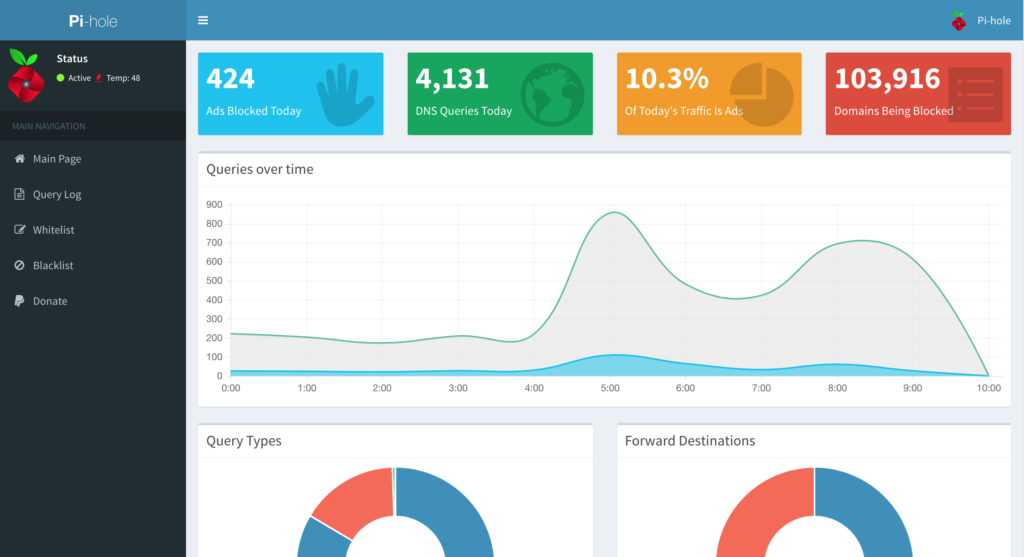
Once installed and configured, we can access its administration panel at the Raspberry IP /admin to manually add or delete domains, check statistics, etc.
| Learn more about Pi-Hole | Pi-Hole official website |
|---|
| Raspbian installation page | Raspberry PI official page |
|---|
Comments are provided by Disqus. When you load them, Disqus may use cookies and process data such as your IP address.
Disqus privacy policy